Thailand SIM Cards & eSIMs
Last updated: February 2026
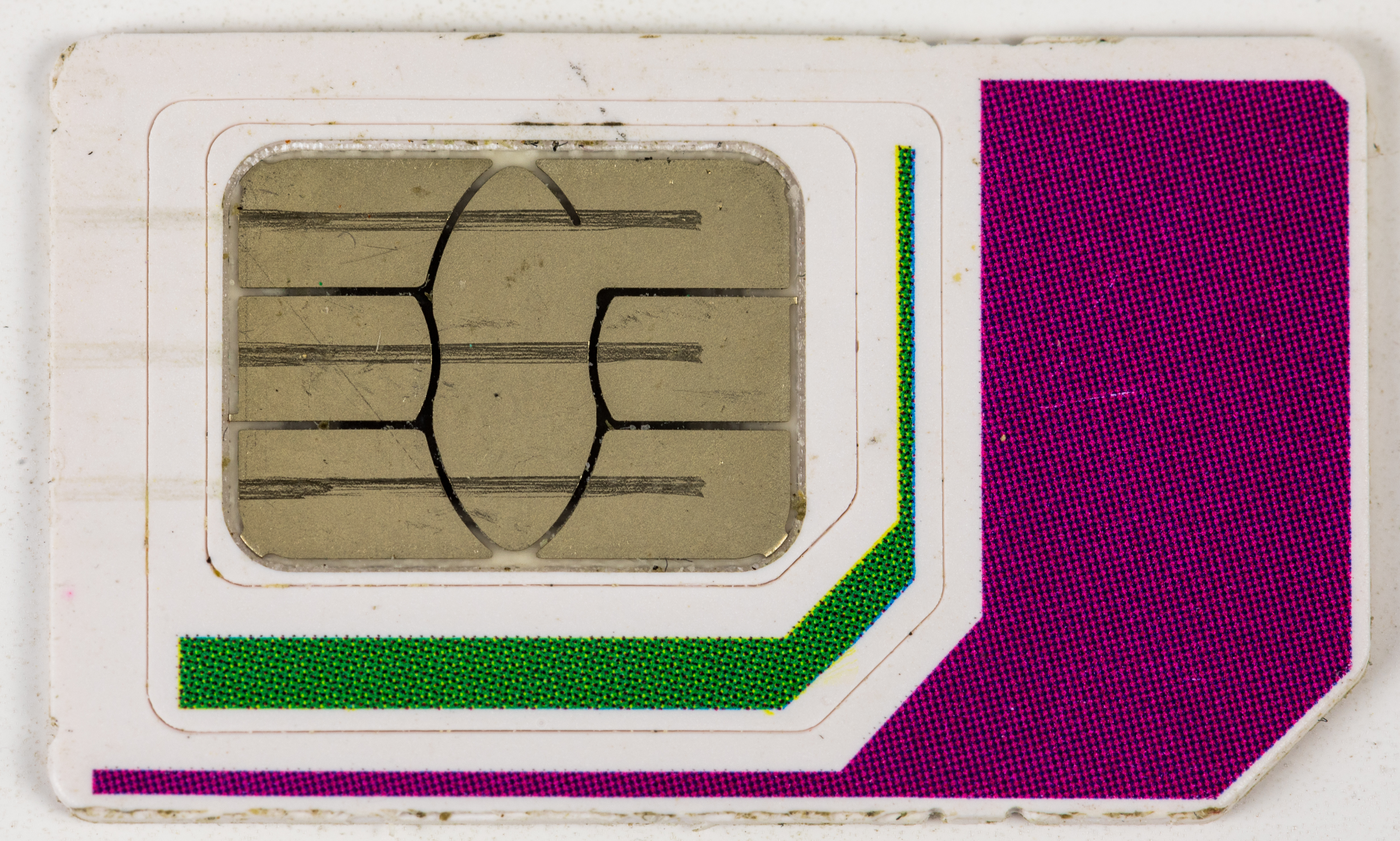
Staying connected in Thailand is easy and affordable. Your two choices are a physical SIM card or an eSIM you activate with a QR code. This guide helps you choose quickly, buy the right package, and get set up without surprises.
Quick Decision Guide
- Your phone supports eSIM.
- You want to set it up before landing.
- You want to keep your home SIM active.
- Your phone does not support eSIM.
- You want a Thai phone number.
- You prefer in-person help and top-ups.
SIM vs. eSIM (At a Glance)
| Feature | Physical SIM | eSIM |
|---|---|---|
| Setup | In-store activation | Scan QR code |
| Thai phone number | Usually included | Often data-only |
| Convenience | Need to visit shop | Instant before arrival |
| Compatibility | Any unlocked phone | eSIM-capable phones only |
eSIM Compatibility
Compatible phones
- iPhone: iPhone XR and newer (including SE 2nd/3rd gen).
- Android: Samsung Galaxy S20+, Google Pixel 3+, most recent flagships.
Check your phone: Settings > About Phone > look for “EID” or “eSIM.”
Important notes
- Phone must be carrier unlocked.
- Some carrier-locked phones block eSIM.
- Dual SIM lets you keep your home number active.
Thai Mobile Providers
AIS
Best nationwide coverage and generally the fastest network.
Best for: Long trips and travel outside cities.
True (includes dtac)
Strong in cities and tourist areas, lots of package options.
Best for: City stays and value plans.
International eSIM sellers
Data-only eSIMs that ride on local networks like AIS or True.
Best for: Set up before you land.
Network quality can vary street by street. If you will travel outside Pattaya, AIS is usually the safest choice.
Typical Data Packages
Short stay (1-7 days)
- 15GB / 7 days: ฿299-399
- 30GB / 7 days: ฿499-599
- Unlimited / 7 days: ฿599-799*
Medium stay (8-15 days)
- 30GB / 15 days: ฿599-799
- 50GB / 15 days: ฿799-999
- Unlimited / 15 days: ฿999-1,299*
Extended stay (16-30 days)
- 50GB / 30 days: ฿999-1,299
- 100GB / 30 days: ฿1,299-1,599
- Unlimited / 30 days: ฿1,499-1,999*
*Unlimited plans usually throttle speed after a fair-use limit.
Where to Buy Physical SIMs
At the airport
- Suvarnabhumi (BKK): Counters in arrivals hall, open 24/7.
- Don Mueang (DMK): Counters in arrivals.
- U-Tapao (UTP): Limited options.
Pros: Fast, English-speaking staff, immediate activation.
Cons: Slightly higher prices.
In Pattaya
- Phone shops: Beach Road and Second Road.
- Malls: AIS/True shops in all major malls.
- 7-Eleven: Top-up SIMs (limited tourist bundles).
Pros: Better prices, more plans.
Cons: Requires a visit after arrival.
Buying an eSIM
Before you arrive (recommended)
- Choose a provider and package.
- Complete purchase online.
- Receive a QR code by email.
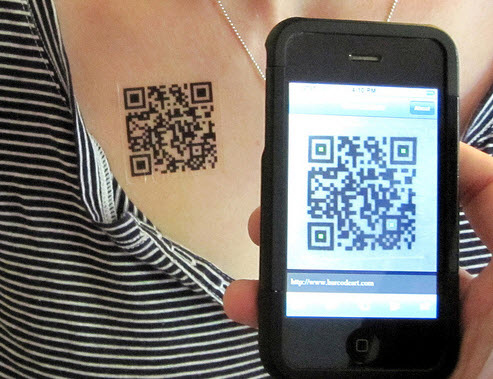
- Scan the QR code to install the eSIM.
- Activate when you land in Thailand.
[eSIM purchase options will be displayed here]
Registration Requirements
Physical SIM cards
- Passport required.
- Selfie taken at point of sale.
Registration is done for you at the counter.
eSIMs
Most tourist eSIMs are registered by the provider and do not require your in-person registration.
Activation Tips & Troubleshooting
Physical SIM setup
- Insert SIM (phone must be unlocked).
- Restart phone if needed.
- Data should work automatically.
- If not, check APN settings.
eSIM setup
- Connect to Wi-Fi first.
- Scan QR code or enter activation code.
- Follow phone prompts to install.
- Set as primary data line.
- Enable data roaming if prompted.
Quick fixes
- No signal: Restart phone, toggle airplane mode.
- No data: Ensure mobile data is on, check APN.
- eSIM install failed: Confirm phone is unlocked and eSIM-capable.
- Slow speeds: You may have reached the fair-use limit.
How Much Data Do You Need?
Light use
Maps, messaging, email.
Plan: 5-10GB for 2 weeks.
Moderate use
Social media, photos, video calls.
Plan: 15-30GB for 2 weeks.
Heavy use
Streaming, remote work, uploads.
Plan: 50GB+ or unlimited.
Save data before you arrive
- Offline maps (Google Maps, Maps.me).
- Netflix shows for the flight.
- Spotify playlists.
- Translation apps and language packs.
Data vs. Calls
Data-only packages (most eSIMs)
- Internet access only.
- Use WhatsApp, LINE, or Messenger for calls.
- No Thai phone number.
Voice + data (physical SIMs)
- Internet access plus Thai phone number.
- Useful for Grab, banking apps, and local SMS.
- Often easy to top-up in stores.
Recommendation: Most tourists are fine with data-only. Choose a voice package if you need local calls or SMS verification.
Topping Up
Physical SIM
- 7-Eleven top-up cards or pay at counter.
- Provider shops and kiosks.
- Online through the provider app.
eSIM
- Buy extra data via provider website/app.
- Some eSIMs cannot be topped up, so choose enough data.
Recommendations
eSIM for easy setup before arrival.
Physical SIM + Thai number for local services.
Compare airport vs city shops and avoid overbuying.
Questions?
Our forum community can help with SIM compatibility, plan choices, and setup troubleshooting.
Podemos ganar una comisión de reservas sin costo adicional para ti.